Best Media Player in 2026: Top Picks for Every Budget
10 min read
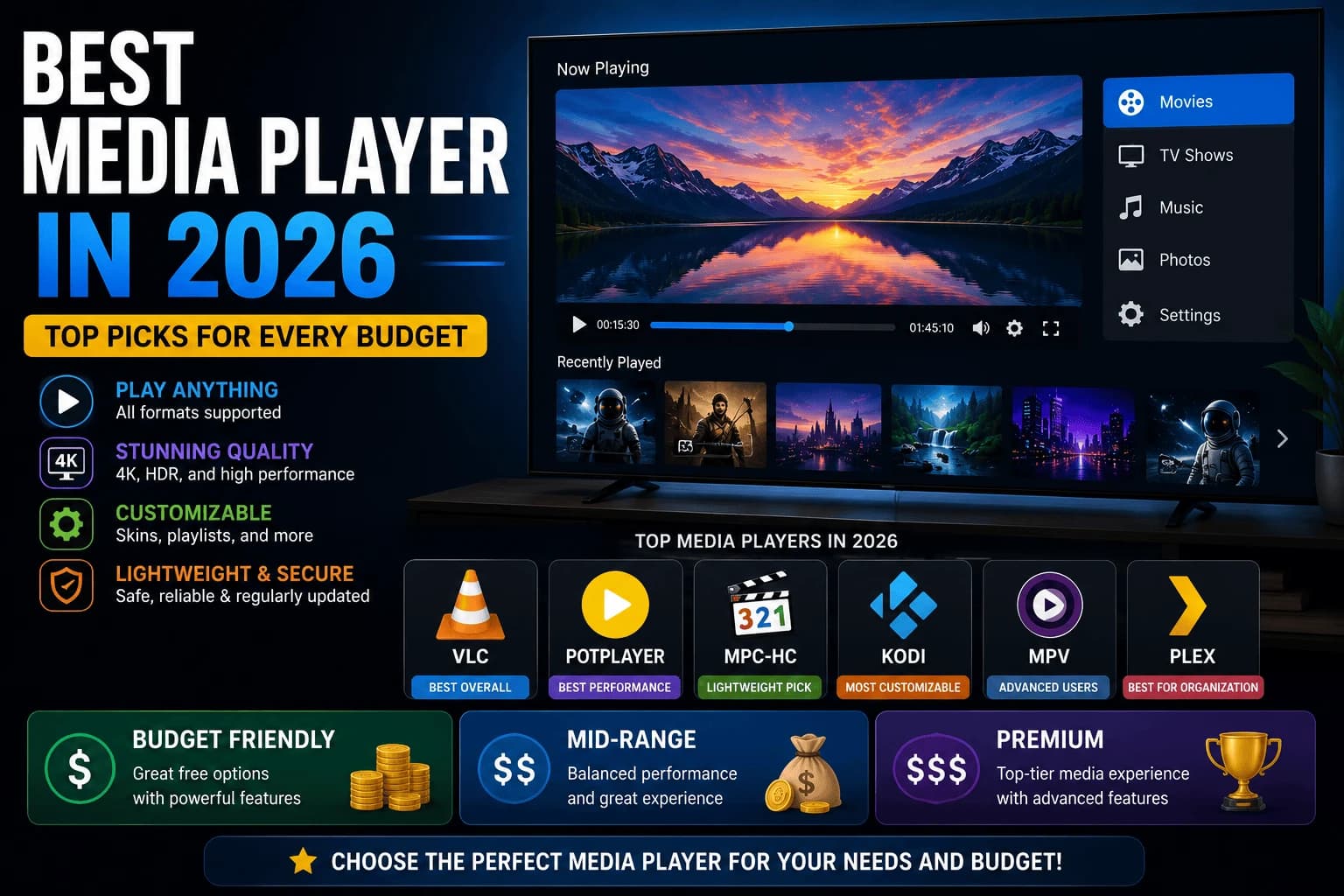
Ask ten people which media player is "best" and you'll get ten different answers, because the question itself is broken, best for what, and best compared to what you're already carrying around in your pocket. Here's how the real options sort out once you stop pretending there's one universal winner.
For almost everyone reading this: a mid-tier Fire TV Stick or Roku
Most people don't need what they think they need. A mid-tier Fire TV Stick 4K or Roku Streaming Stick handles 4K HDR without complaint, runs every major app, and costs a fraction of what the "premium" boxes charge. Read our full breakdown of Fire TV Stick vs Roku vs Apple TV if you're stuck between the two, but the short version is that the choice comes down to whether you want Roku's neutral home screen or Fire TV's deeper Amazon integration, not picture quality.
Already own an iPhone? Stop comparing spec sheets and just get the Apple TV.
This is the one category where ecosystem loyalty should override the usual price-conscious advice. AirPlay, HomeKit, shared purchases across your devices. None of it is replicable by plugging in a cheaper stick and hoping for the best. The price premium is real and worth paying specifically if you're already fully inside Apple's world; it's a bad deal for anyone who isn't.
Sideloading apps or running a media server? Skip stick-form devices entirely.
A stick-form device is built to run apps from an official store, full stop. If you're planning to sideload anything, or want to run a client for a self-hosted library like Plex or Jellyfin, a dedicated Android TV or Google TV box gives you the RAM and processing headroom stick-form devices simply don't have. Go a step further and get one with a microSD slot or USB storage support — fixed internal storage on a stick becomes a real limitation the moment you're managing your own media library instead of just streaming from an app.
The premium-vs-budget gap isn't where marketing says it is
Here's what the glossy product pages won't tell you: budget and premium 4K players produce nearly identical picture quality. Both handle standard HDR streaming fine. The real gap is in things that don't show up on a spec sheet screenshot, how fast apps switch, whether the interface hesitates when you're navigating quickly, whether the Wi-Fi chipset holds up on a congested network. If you're only running one app at a time, the budget tier already does everything you need.
The buying advice nobody wants to hear
You almost certainly don't need the expensive option. A mid-tier Fire TV Stick or Roku covers the overwhelming majority of what people actually use a media player for. Spend more only when you have an actual reason pulling you there. Apple ecosystem lock-in, a media server setup that needs the horsepower, or a Wi-Fi situation bad enough that a stronger chipset solves a real problem. "It's the newest one" isn't a reason.
Work out which buyer you are first
Most disappointing purchases come from buying for a use case that isn't yours. Four groups, with genuinely different answers:
Streaming apps only. Almost any current device works, and picture quality is identical across price points for the same stream. Buy cheap — our budget streaming device guide covers the options.
Local media library. Hardware capability genuinely matters here, for format support and transcoding. Our Plex versus Jellyfin comparison covers what that demands.
Ecosystem-committed. If you're already deep in one company's services, matching the device usually beats specification comparisons.
Interface-sensitive. If home screen advertising bothers you, that narrows the field more than performance does — our Apple TV vs Fire TV vs Roku covers how much they differ.
The specifications that actually matter
In rough order of practical impact:
- Ethernet port. The most underrated. Removes the connection variability that causes buffering. See the wired vs wireless breakdown.
- Storage. The limit most people hit first, since apps keep growing and budget devices weren't generous.
- Platform. Decides VPN support, app availability and how much the home screen sells to you.
- Processing headroom. Matters for longevity more than day-one speed.
Resolution support matters least, because it's determined by your TV rather than the device — a 4K device on a 1080p panel gains nothing, as our 4K vs 1080p guide explains.
Where cheap costs more
Budget hardware is right for many situations, but three cases where it isn't:
- Heavy daily use on a main TV. Slow menus you meet nightly wear thin quickly.
- Local media playback. Budget devices are inconsistent with demanding formats.
- Keeping devices a long time. Less headroom means feeling old sooner, and replacing twice can exceed buying once.
The devices worth looking at
Grouped by what they're actually for, rather than by price:
- Premium, media-library focused: the Nvidia Shield TV Pro is the only mainstream device that hosts a media server rather than just playing from one.
- Boxes with Ethernet: the Roku Ultra, Fire TV Cube, and Google TV Streamer all include a wired port, which matters more than processor speed for most people.
- Mainstream sticks: the Fire TV Stick 4K Max and Chromecast with Google TV cover ordinary streaming without the box price.
- Budget: the Walmart onn 4K Pro and TiVo Stream 4K run full platforms at a fraction of the cost.
- Built into the TV: the Fire TV Omni QLED skips the separate device entirely, with the tradeoffs that brings.
Before buying anything
Worth checking before you spend anything:
Is the problem actually the hardware? Slow apps are often storage or network rather than a worn-out device — our guide to slow-loading apps covers ruling that out first.
Does your TV already do it? If the built-in apps are current and responsive, adding a device gains you a second remote and little else, as our stick versus built-in comparison covers.
Frequently Asked Questions
What is the best budget media player in 2026?
Entry-level Fire TV Stick and Roku models remain the best value for basic HD/4K streaming needs, typically priced well under $40-50.
Is a dedicated media player better than a Smart TV's built-in apps?
Usually yes. Dedicated players get software updates more consistently and for longer than most Smart TV operating systems, which are often abandoned by the manufacturer within a few years.
Do I need a 4K media player if my TV isn't 4K?
Skip it. A 1080p player costs less and performs identically in practice, since your TV's panel — not the player — decides the resolution ceiling. Save the price difference for something that actually changes what you see.
Which media player has the best app selection?
All major platforms (Fire TV, Roku, Apple TV, Google TV, Android TV boxes) carry the major streaming apps. Differences show up more in niche or regional app availability than in the big-name services.
Does a more expensive streaming device give better picture quality?
No. For the same stream, a budget device and a premium one display an identical picture. What you pay more for is interface responsiveness, storage, connectivity such as Ethernet, and how long the device stays usable as apps grow heavier.
What is the most underrated feature on a streaming device?
An Ethernet port. Streaming needs a steady connection rather than a fast one, and a wired connection removes the short dips that cause buffering — which a speed test averages away and hides.
Do I need a 4K streaming device?
Only if you have a 4K TV. Resolution support is determined by your display, so a 4K device connected to a 1080p panel outputs detail the screen discards. It is the specification that matters least when choosing hardware.
Should I replace my streaming device if apps are slow?
Check the cause first. Slow apps are frequently low storage or a network problem rather than worn-out hardware, and both are free to fix. Replace the device when slowdowns affect everything gradually over a long period rather than appearing suddenly.


