Ethernet vs Wi-Fi for Streaming: Does It Matter?
10 min read
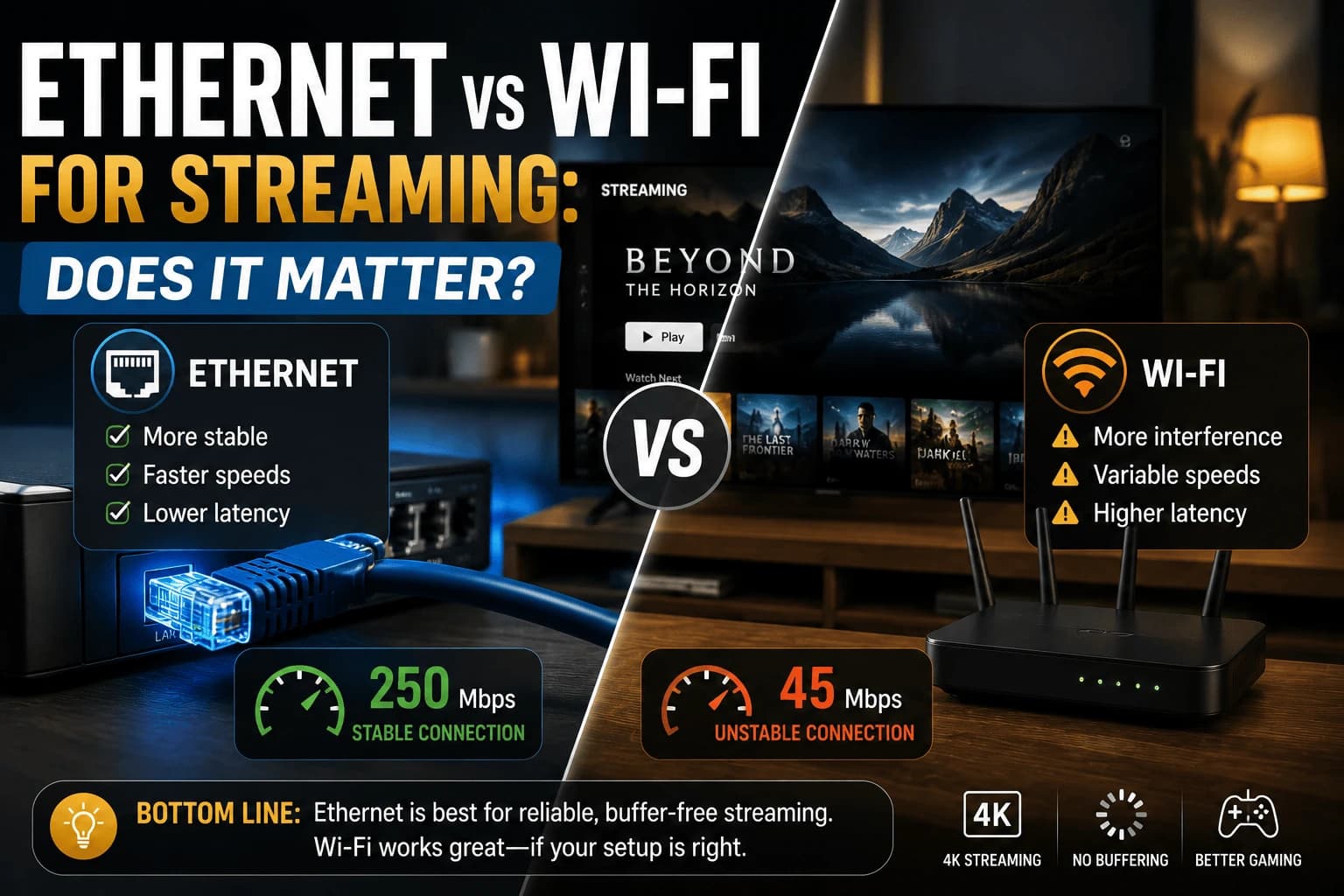
Here's an uncomfortable truth for anyone who's spent money chasing the perfect router: a $10 cable can outperform it entirely. Ethernet beats Wi-Fi on every stability metric that matters, no exceptions: the only real question is whether your specific setup is bad enough for that advantage to actually show up on your screen.
What Ethernet actually removes
A wired connection eliminates several variables that affect Wi-Fi: interference from other wireless devices and neighboring networks, signal degradation through walls and distance, and congestion when multiple devices compete for the same wireless band. None of these exist on a direct cable connection.
When the difference is real
If your streaming device sits far from your router, on the far side of multiple walls, or in a household with many Wi-Fi devices competing for bandwidth during peak hours, Ethernet produces a clearly noticeable improvement, less buffering, faster app loading, more consistent 4K playback.
When it makes little practical difference
If your router is close to your streaming device, on a modern router with Wi-Fi 6 or 6E, and your household isn't overloading the network with simultaneous heavy usage, Wi-Fi performs close enough to Ethernet that most people won't perceive a difference in day-to-day streaming.
How Wi-Fi 6 changed this calculation
Older Wi-Fi standards degraded meaningfully under congestion — many devices competing for the same limited spectrum. Wi-Fi 6 (and especially Wi-Fi 6E, which adds the far less crowded 6GHz band) substantially reduces this problem, which is why the practical gap between wired and wireless has narrowed for most modern home networks compared to a few years ago.
You probably don't need a new device to test this
Before you replace a router or upgrade a streaming stick to fix persistent buffering, check whether your current device even ships with a wired option. Most major streaming sticks that come Wi-Fi-only also support an official USB or micro-USB Ethernet adapter sold separately. It's the cheapest possible test of whether the network is actually your problem, and it's worth trying before spending real money on anything else. If buffering has been a recurring headache, our Fire TV Stick buffering guide walks through the other network-side fixes worth checking first.
How to tell which situation you're in
Run a speed test on the same network the streaming device uses, ideally during the time you notice problems. If results are consistently well below your internet plan's rated speed, particularly if this only happens during peak evening hours. Wi-Fi congestion is the likely culprit, and Ethernet is worth testing.
The practical takeaway
Ethernet is never worse than Wi-Fi, but it's not always necessary either. Test your actual Wi-Fi performance before assuming you need a wired setup, on a strong, modern network, the improvement may be too small to justify running a cable across the room.
Speed isn't the reason to go wired
The usual framing. Ethernet is faster — misses what actually matters for streaming. Video needs a modest, steady rate: roughly 25 Mbps for 4K, far less for HD. Almost any modern Wi-Fi connection clears that on paper.
What breaks playback is variability. A connection averaging 100 Mbps that drops to 5 Mbps for two seconds will stall, while a rock-steady 30 Mbps never will. Ethernet's real advantage is that it doesn't fluctuate. No interference, no competing devices, no signal loss when someone moves between the router and the TV.
This is why "my speed test looks fine but it still buffers" is so common. The average was never the problem.
Does streaming over Ethernet improve picture quality?
Indirectly, and only sometimes. The cable doesn't carry a better picture, but streaming services adjust quality continuously based on available bandwidth, so a connection that dips forces the service to drop to a lower bitrate mid-scene. You see it as a sudden softness or blockiness that clears after a few seconds.
On a stable wired connection those downshifts stop happening, so you sit at the top quality tier consistently instead of bouncing between levels. If your 4K content periodically looks like upscaled HD, that's what's happening, and Ethernet genuinely fixes it. If your picture is already consistent, a cable changes nothing.
When Wi-Fi is genuinely the better choice
Ethernet has real costs worth weighing:
- Cable routing. A cable across a living room is a worse outcome than occasional buffering for most households.
- Adapter reliability. USB Ethernet adapters on streaming sticks introduce their own failure point, and unofficial ones are inconsistent.
- Power draw. Some sticks powered from a TV's USB port struggle to run an Ethernet adapter as well, causing intermittent dropouts that look like network problems.
- Router position. If the router is already near the TV, a strong 5GHz connection is effectively as stable as wire.
Powerline and MoCA when running a cable isn't practical
Between wireless and a long cable run, there's a middle ground.
Powerline adapters send network traffic over your electrical wiring. Performance depends heavily on how your house is wired — adapters on the same circuit usually perform well, while those on different circuits or separated by a breaker panel can be worse than Wi-Fi. Cheap to test, hard to predict.
MoCA adapters use existing coaxial TV cabling and are considerably more consistent than powerline, since coax was built to carry high-frequency signals. If your house has coax outlets near both the router and the TV, MoCA gets close to true Ethernet performance without new cabling.
Both are worth considering before concluding that wired is impractical.
Related reading
- Mesh Wi-Fi vs a single router, if the problem is coverage rather than the connection type
- When a device won't connect at all
- 4K vs 1080p streaming guide: how much bandwidth each actually needs
- Consoles specifically: why a PS5 or Xbox streams worse than a cheap stick on the same TV
Frequently Asked Questions
Is Ethernet always better than Wi-Fi for streaming?
Technically yes in terms of raw stability, but the practical difference is often unnoticeable on a strong, uncongested Wi-Fi network. It matters most when your Wi-Fi is already struggling.
Can I add Ethernet to a streaming stick that only has Wi-Fi?
Yes, most major streaming sticks support an official USB or micro-USB Ethernet adapter, sold separately, which adds a wired option to a device that ships Wi-Fi-only.
Does Wi-Fi 6 close the gap with Ethernet?
Largely, yes, for most households. Wi-Fi 6 substantially reduces congestion-related slowdowns compared to older standards, narrowing the practical difference for typical streaming use.
How do I know if my Wi-Fi is the problem?
Run a speed test on the streaming device's network during the time you experience issues. If speeds drop well below your plan's rated speed only on that device or only during peak hours, Wi-Fi congestion or interference is the likely cause.
Does streaming over Ethernet improve picture quality?
Indirectly. The cable does not carry a better picture, but streaming services lower quality when bandwidth dips, which you see as sudden softness or blockiness. A stable wired connection stops those downshifts, so you stay at the top quality tier instead of bouncing between levels. If your picture is already consistent, Ethernet changes nothing.
Why does my stream buffer when my speed test looks fine?
Because the average is not the problem. Video needs a steady rate rather than a high one — a connection averaging 100 Mbps that drops to 5 Mbps for two seconds will stall, while a rock-steady 30 Mbps never will. Speed tests report the average and hide exactly the short dips that break playback.
What if I cannot run an Ethernet cable to my TV?
Powerline adapters send network traffic over your electrical wiring, though performance varies a lot depending on how the house is wired. MoCA adapters use existing coaxial TV cabling and are considerably more consistent, getting close to true Ethernet performance if you have coax outlets near both the router and the TV.


