4K vs 1080p Streaming: Do You Actually Need 4K?
11 min read
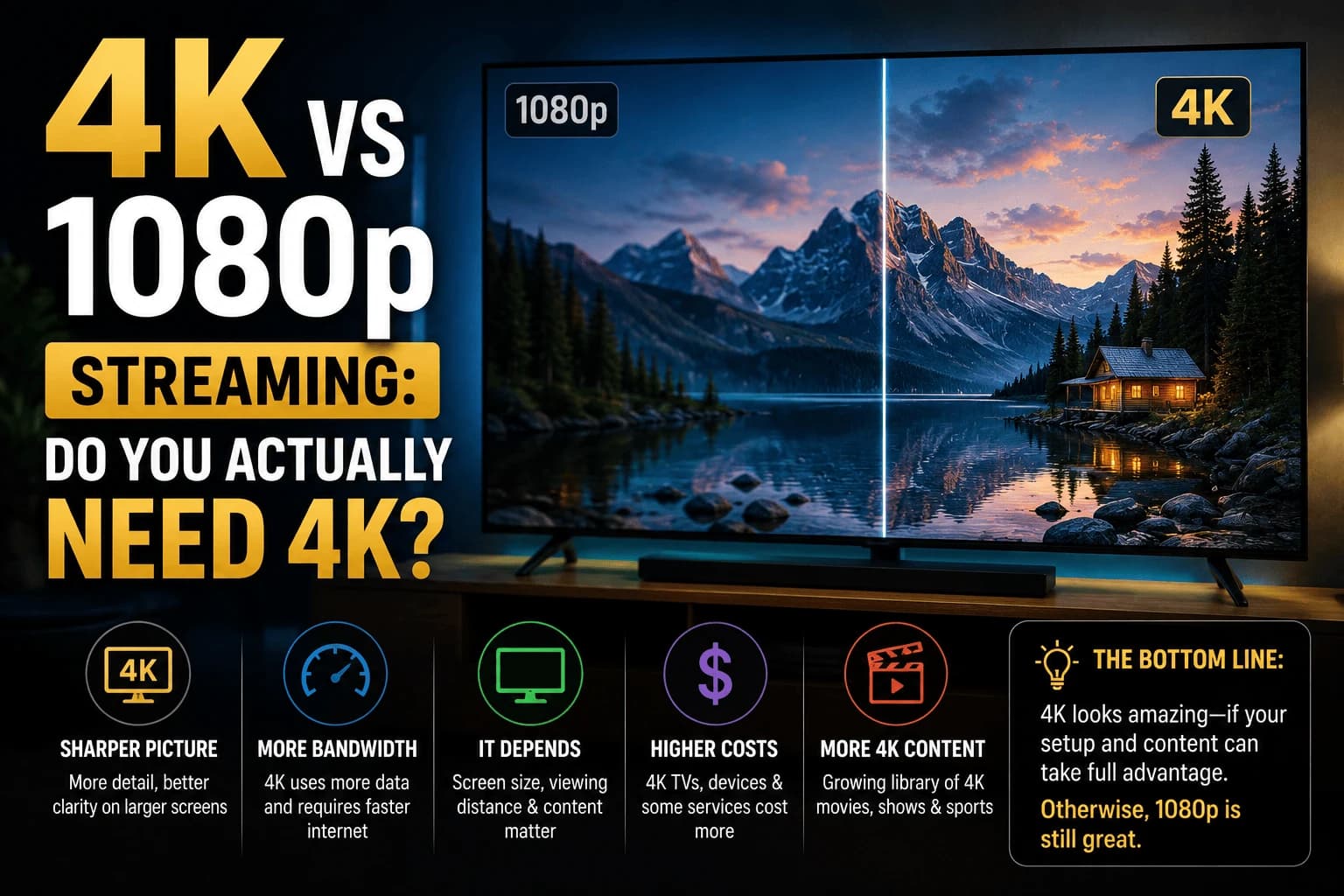
Four times the pixels of 1080p sounds like an obvious win, the kind of upgrade you shouldn't have to think twice about. Except whether you'll actually see that difference has almost nothing to do with the resolution number on the box. It comes down to three things retailers never put on the price tag: your screen size, your couch distance, and your internet plan.
Screen size and viewing distance are what actually matter
Resolution differences become visible based on how many pixels your eye can actually resolve at a given distance. On a 65-inch TV viewed from across a typical living room, 4K's extra detail is clearly noticeable. On a 32-inch screen, or viewed from far enough away, many people can't reliably distinguish 4K from 1080p in a blind comparison. The pixels are already too small to individually perceive at that distance regardless of the source resolution.
The bandwidth math nobody checks before buying
Every streaming service quietly publishes a minimum connection speed for their 4K tier, and it's worth pulling up before you assume your internet plan is fine. The numbers cluster around 25 Mbps for a stable 4K stream and 5-10 Mbps for HD, but the "sustained" part matters more than the headline figure: a connection that peaks at 50 Mbps but dips under load during peak evening hours will still stumble on 4K even though the plan sounds more than adequate on paper. A 1080p stream on that same flaky connection just keeps playing.
Data caps turn this into a monthly budget problem
Streaming in 4K burns through a data allowance at a pace that surprises people who've never checked, easily several times what the same hour of 1080p content uses. If your ISP caps you at a few hundred gigabytes a month, a handful of household members watching 4K nightly can eat that allowance well before the billing cycle ends, turning a picture-quality preference into an unplanned overage fee.
Buying a 4K stick for a 1080p TV is money spent on nothing
This happens more often than it should: someone upgrades their streaming device to a 4K-capable model while the TV itself tops out at 1080p. The television's panel is the actual ceiling — it physically cannot display pixels the device is sending it, so the extra resolution gets thrown away before it ever reaches your eyes. Check your TV's real spec sheet, not just its marketing name, before spending extra on 4K hardware.
Putting it together
4K is worth prioritizing on a large, 4K-capable TV with a fast, uncapped internet connection. That's the one combination where the extra resolution is doing real, visible work. Outside those conditions: a smaller or older TV, a capped or inconsistent connection, or a viewing distance where the pixels blur together either way, 1080p often delivers a more consistent, equally satisfying picture without the bandwidth cost.
The numbers, plainly
1080p is 1920 × 1080, about 2.1 million pixels. 4K as sold for televisions is 3840 × 2160, about 8.3 million: four times as many, since both dimensions double. "4K" is technically a slight misnomer borrowed from cinema, where the standard is 4096 pixels wide; TV 4K is more accurately called UHD, and the two get used interchangeably in marketing.
Roughly, the distance at which the extra detail stops being visible scales with screen size. On a 55-inch set, most people sit near or beyond the point where 4K and 1080p converge. On a 75-inch set at the same distance, the difference is obvious. Screen size and seating distance matter far more than the specification itself.
Why HDR probably matters more than resolution
This is the part the resolution debate usually misses. When people describe 4K content as looking dramatically better, they're often reacting to HDR rather than the pixel count.
HDR widens the range between the darkest and brightest parts of the image and expands the palette of displayable colours. The effect is immediately visible in a way extra pixels are not, brighter highlights that don't blow out, shadow detail that survives, more convincing colour. Because streaming services bundle HDR with their 4K tiers, the two get conflated.
Practically: a good HDR image at 1080p will look better to most people than a 4K image without it. If you're choosing between spending on resolution or on display quality, display quality wins.
Bitrate beats resolution
Resolution sets the pixel count; bitrate determines how much detail actually survives compression. A heavily compressed 4K stream can look worse than a well-encoded 1080p one, because compression artefacts, blocking in dark scenes, smearing on fast motion, are more objectionable than slightly softer detail.
This is why streaming 4K rarely matches 4K Blu-ray despite identical resolution. The disc carries several times the bitrate. It's also why the same title can look noticeably different on two services at the same advertised resolution.
The practical consequence: if your connection is marginal, a stable 1080p stream will look better than a 4K stream that keeps dropping quality mid-scene. Our guide to Ethernet vs Wi-Fi covers stabilising a connection that fluctuates.
What 4K costs you beyond the TV
- A faster, steadier connection. Around 25 Mbps sustained, not peak.
- Considerably more data. Several times the hourly consumption of 1080p, which matters under a cap.
- HDMI capability. Older cables and ports may not carry 4K at higher frame rates or with HDR, and a marginal cable can cause intermittent dropouts rather than an outright failure.
- A device that can decode it. Budget sticks advertised as 4K sometimes struggle with high-bitrate content even when the resolution is nominally supported.
- Often a subscription tier increase. Several services put 4K on their most expensive plan.
When 1080p is the better choice
Not a compromise, genuinely better:
- Screens under about 43 inches, or normal seating distance from a mid-size set
- Connections that fluctuate, consistency beats peak quality
- Metered or capped connections
- Older devices where 4K decoding causes heat or stutter
- Content that was never mastered in 4K, upscaled 4K adds no real detail
Related reading
- Budget streaming devices: most handle 1080p flawlessly
- DisplayPort vs HDMI: connection standards for high-resolution setups
- Ethernet versus Wi-Fi: the usual fix for unstable 4K
Frequently Asked Questions
Can you actually see the difference between 4K and 1080p?
It depends heavily on screen size and viewing distance. On a large TV viewed from a normal living-room distance, the difference is noticeable. On a smaller screen or from farther away, many people can't reliably tell the two apart.
How much internet speed do I need for 4K streaming?
Check the specific service's published minimum — most land near 25 Mbps sustained for 4K versus 5-10 Mbps for HD, but "sustained" is the operative word. A plan that peaks higher but dips under evening load will still cause a 4K stream to stumble even though the advertised speed looks fine.
Does 4K use significantly more data than 1080p?
Yes — often several times as much per hour. Households with a monthly data cap and multiple people streaming 4K nightly can burn through that allowance well before the billing cycle resets.
Is it worth buying a 4K streaming device for a 1080p TV?
No, and this is a common wasted purchase. Your TV's own panel is the hard limit — it can't display resolution it wasn't built for, so a 4K-capable device outputs detail that simply gets discarded before it reaches the screen.
What is the difference between 4K and 1080p?
1080p is 1920 × 1080, roughly 2.1 million pixels. 4K for televisions is 3840 × 2160, roughly 8.3 million — four times as many, because both dimensions double. Whether that difference is visible depends far more on screen size and how far away you sit than on the numbers themselves.
Is 1080p ever better than 4K?
Yes, in several common situations. On a fluctuating connection a stable 1080p stream looks better than a 4K stream that keeps dropping quality. On screens under about 43 inches, or at normal distance from a mid-size TV, the extra pixels are not resolvable anyway. Content that was never mastered in 4K gains nothing from being upscaled.
Does HDR matter more than 4K?
For most viewers, yes. HDR widens the range between darkest and brightest and expands the colour palette, which is immediately visible in a way extra pixels are not. Because services bundle HDR with their 4K tiers the two get conflated, but a good HDR image at 1080p will look better to most people than 4K without it.
Why does 4K streaming look worse than a 4K Blu-ray?
Bitrate. Resolution sets the pixel count but bitrate determines how much detail survives compression, and a disc carries several times the bitrate of a stream at the same resolution. It is also why the same title can look noticeably different across two streaming services despite an identical advertised resolution.


