Fire TV Cube Review: Hands-Free Streaming, At a Price
10 min read
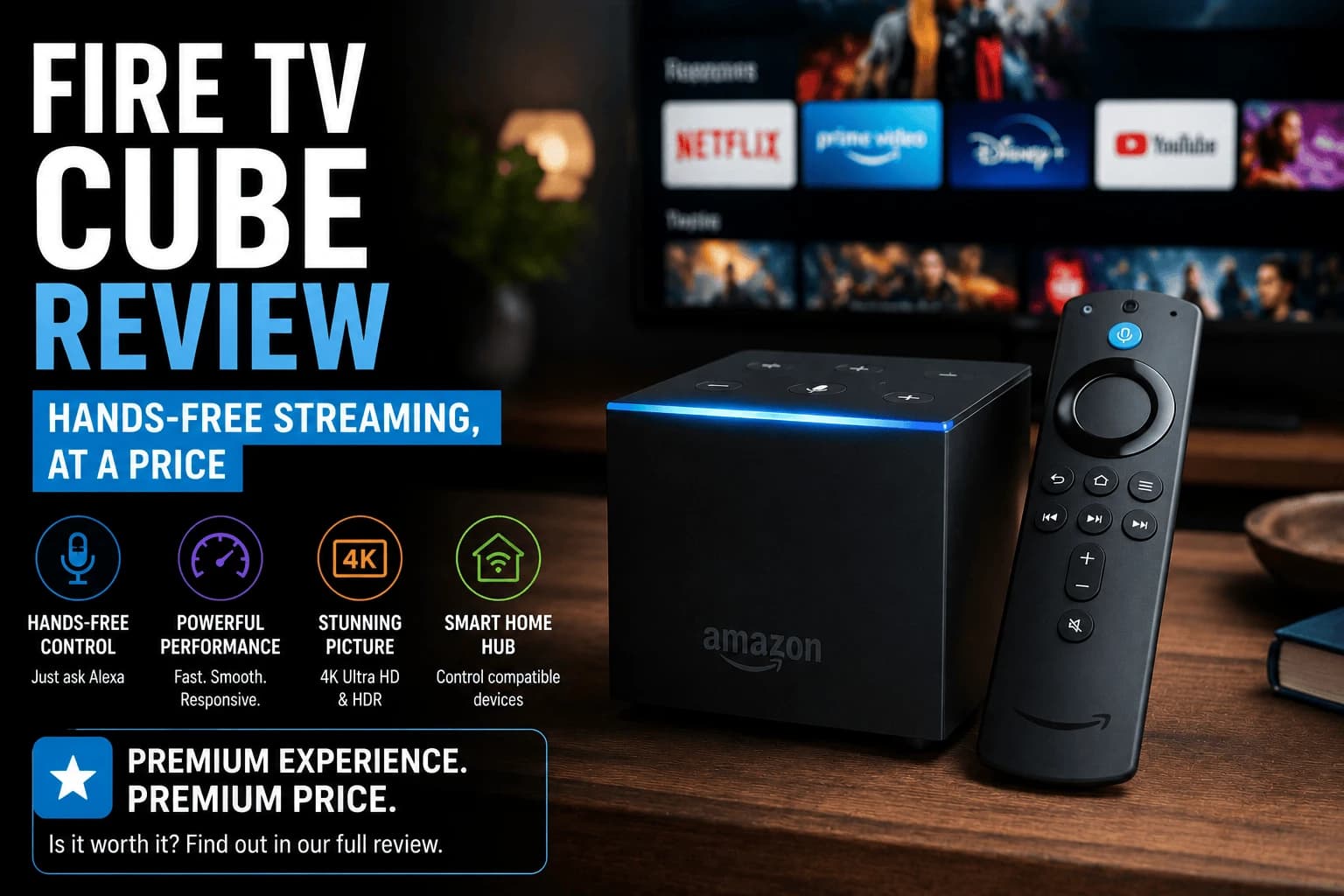
Pros
- Far-field microphones pick up "Alexa" commands from across a normal-sized living room without touching a remote
- Built-in IR blaster and HDMI-CEC control your TV and soundbar power/volume, so one voice command turns on the whole setup
- Noticeably more processing power than any Fire TV Stick, which shows up in faster app launches and smoother multitasking
- Ethernet port included, unlike stick-form Fire TV devices
Cons
- Costs several times what a Fire TV Stick 4K Max runs, for gains that are mostly about convenience, not picture quality
- Requires a mostly clear line of sight and reasonable proximity for voice commands to register reliably
- Still funnels you toward Amazon services and Alexa in ways some households find intrusive
- The always-listening microphone is a real consideration if voice-activated devices make you uneasy
Every other device on this site asks you to pick up a remote. The Cube's entire reason for existing is the bet that you shouldn't have to, and after weeks of actually living with one instead of a stick, that bet mostly pays off. Whether it pays off for you depends entirely on how much you're willing to spend on not touching a remote.
What "hands-free" really means here
Far-field microphones built into the Cube listen for "Alexa" from across a normal living room, no remote button required, no phone-close-to-mouth awkwardness. Say "Alexa, play [show]" from the couch and it just happens. This isn't a novelty demo feature — it holds up in daily use, including with a TV playing at normal volume in the room.
The part that actually justifies the price: controlling everything else
Buried inside the Cube is an IR blaster paired with HDMI-CEC support, which means it can control your TV's power and volume, and often your soundbar's too. "Alexa, turn on the TV" actually turns on the TV, switches to the right input, and gets you streaming. No remote in hand at any point. This is the feature that separates the Cube from being "an expensive Fire TV Stick" into being something structurally different.
Performance headroom you'll actually notice
The Cube carries meaningfully more processing power than any Fire TV Stick model. App launches are faster, switching between apps feels snappier, and the interface doesn't hesitate the way budget sticks occasionally do. It also includes a proper Ethernet port, absent on every stick-form Fire TV device, for anyone who wants a wired connection without an adapter.
The honest tradeoffs
None of this comes cheap. The Cube costs several times what a Fire TV Stick 4K Max runs, for improvements that are mostly about convenience rather than picture quality, since the actual video output is comparable to Amazon's cheaper devices. Voice commands also need a reasonably clear line of sight and normal room distance to register reliably; shout from another room and it won't hear you. And the always-listening microphone, even with a physical mute button available, is worth being upfront about if that kind of device makes you uncomfortable.
Is the hands-free premium worth paying
If controlling your entire TV setup by voice, power, input switching, volume, app launching, is something you'd actually use, the Cube delivers on that promise in a way no cheaper Fire TV device can. If you're comfortable picking up a remote and don't care about voice control, you're paying a real premium for a feature you won't use, and a Fire TV Stick 4K Max gets you nearly identical streaming quality for a fraction of the cost.
What the extra hardware actually buys
The Cube's justification over a Fire TV stick comes down to three things, and whether they matter is very household-specific.
Built-in Ethernet. The clearest practical advantage. Wired removes the connection variability that causes buffering, as our guide to our Ethernet vs Wi-Fi comparison covers, worth real money if your TV is far from the router.
Far-field microphones. The Cube hears you across the room without a remote, which is the genuine difference from a stick. If you already use Alexa, this is the feature you're paying for.
More headroom. More storage and processing than a stick, which mainly shows up as staying responsive longer rather than as day-one speed.
Whether hands-free control is worth it
This is the deciding question, and the answer splits sharply.
If you already talk to Echo devices, extending that to the TV is natural and the Cube slots into an existing habit. If you don't use voice assistants, the far-field microphones are the main thing you're paying extra for and you'll likely reach for the remote regardless.
Worth knowing: always-listening hardware is a consideration in a living room for some people. There's a mute control, but if that's a concern, a stick with a push-to-talk remote may suit better.
Controlling other equipment
The Cube can control a TV, soundbar and receiver, consolidating remotes — genuinely useful in a setup with several boxes.
Note that much of this works over HDMI-CEC, which a cheap stick also uses. If your goal is simply having one remote handle TV volume and power, enabling CEC on your existing setup may achieve it without buying anything. Manufacturers name it differently. Anynet+, Bravia Sync, SimpLink, Viera Link, which is why people miss it.
Who should buy a stick instead
- You don't use voice assistants. The main premium feature goes unused.
- Your router is near the TV. Ethernet's advantage shrinks, per our wired networking guide.
- You want a neutral home screen. Fire TV promotes Amazon content heavily on every model: our Fire TV, Roku and Apple TV covers the difference.
Frequently Asked Questions
Is the Fire TV Cube worth it over a Fire TV Stick 4K Max?
Only if hands-free voice control and controlling your TV/soundbar power through Alexa specifically appeal to you. Picture quality and app performance improvements alone don't justify the price jump for most people.
Does the Fire TV Cube replace my TV remote entirely?
Largely, yes, for power and volume through its IR blaster and HDMI-CEC support, plus full navigation via voice. A physical remote is still included for anything voice control doesn't cover well.
Can I mute the microphone on the Fire TV Cube?
Yes, there's a physical microphone-off button on the device itself that disables listening entirely, independent of any software setting.
Does the Fire TV Cube need to stay plugged into power at all times to work?
Yes, unlike a Fire TV Stick, the Cube has no battery and must remain powered to respond to voice commands or stream anything.
What does the Fire TV Cube do that a Fire TV Stick doesn't?
Three things: built-in Ethernet, far-field microphones that hear you across the room without a remote, and more storage and processing headroom. The Ethernet port is the clearest practical advantage; the microphones only matter if you already use voice assistants.
Is the Fire TV Cube worth it if I don't use Alexa?
Probably not. The far-field microphones are the main thing you pay extra for, and without a voice-assistant habit you will reach for the remote anyway. If you want the Ethernet port specifically, weigh that against a stick plus an adapter.
Can the Fire TV Cube replace my TV and soundbar remotes?
Largely yes, though much of it works over HDMI-CEC, which a cheap stick also uses. If your goal is one remote handling TV volume and power, enabling CEC on your existing setup may achieve it without buying anything — it is named Anynet+, Bravia Sync, SimpLink or Viera Link depending on brand.
Is the always-listening microphone a privacy concern?
It is a consideration worth weighing in a living room. There is a mute control for the microphones, but if always-listening hardware concerns you, a stick with a push-to-talk remote avoids the question entirely while doing the same streaming job.


