Best VPN for Streaming in 2026: What Actually Matters
11 min read
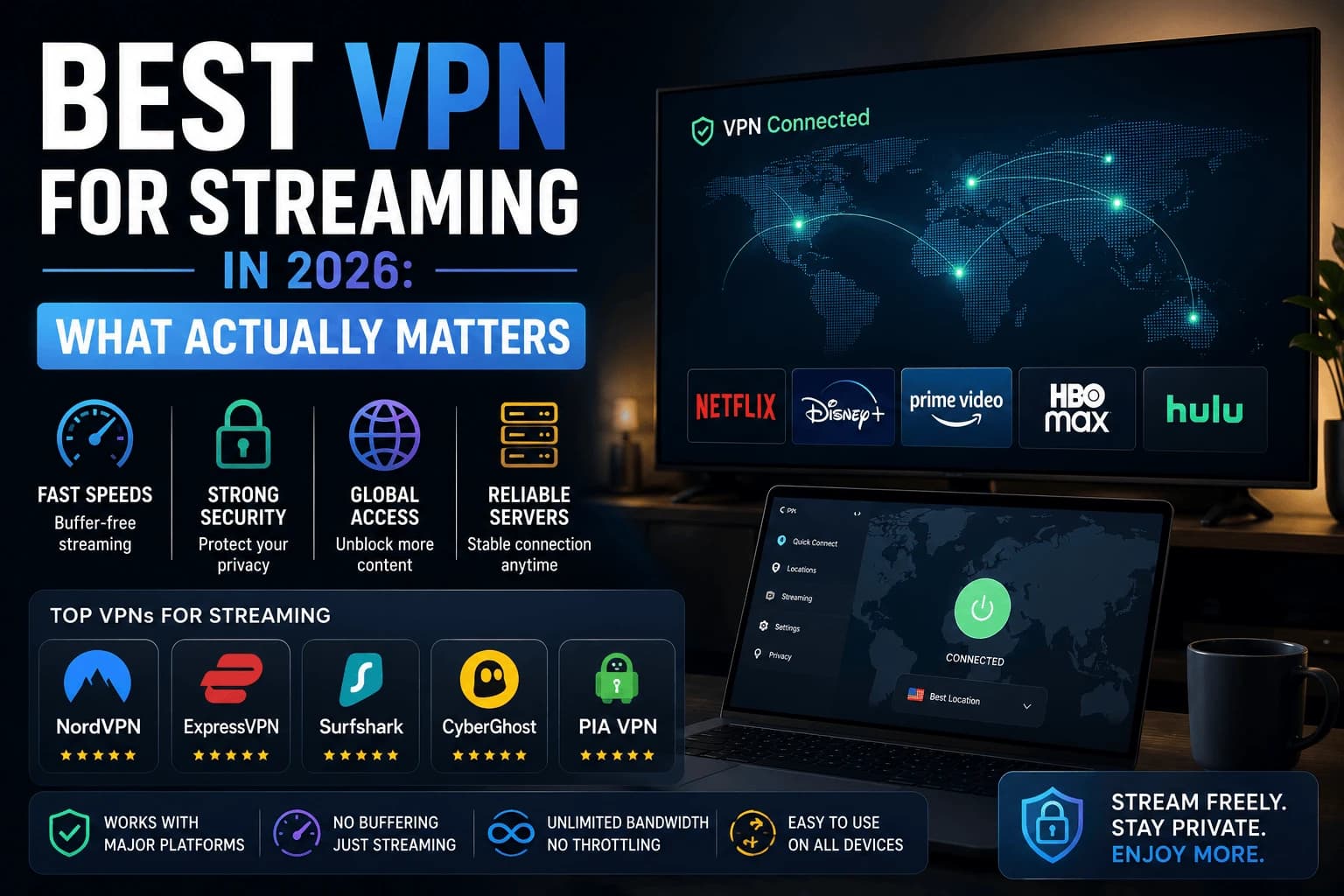
Most "best VPN" lists are really affiliate-commission lists. Strip out the marketing language and there are really only four things that matter for streaming: raw speed, server distribution, protocol support, and whether the app itself is stable on the devices you actually own.
Speed is the only spec that really matters
Encryption always costs some speed. The question is how much. Modern VPNs using the WireGuard protocol lose far less throughput than older OpenVPN-based connections, often the difference between barely noticing a VPN is on and seeing visible buffering on a 4K stream.
If a provider doesn't clearly state which protocol its app defaults to, that's a signal to look elsewhere. WireGuard (or a provider's own WireGuard-based protocol, like NordLynx or Lightway) should be the default, not something buried in advanced settings.
"10,000+ servers" is a number designed to impress you, not inform you
A provider bragging about server count is telling you nothing about whether a fast one exists near you. Most of that count is padding: a hundred servers scattered across countries you'll never route through. The question that actually predicts your streaming speed is narrower: does this provider have multiple servers in your own country? A VPN with a fifth of the total server count but real local presence will beat the "10,000+" provider every time you actually press play.
Your household needs more simultaneous connections than you think
Count it out honestly: two phones, a laptop, a Smart TV, maybe a streaming box in a second room. That's five devices before anyone's even trying. Some budget plans cap simultaneous connections at exactly five, which sounds generous until your whole household tries to use it on the same Tuesday night. Check the number against your actual device count, not the number you assumed you'd need.
Kill switch and DNS leak protection aren't optional
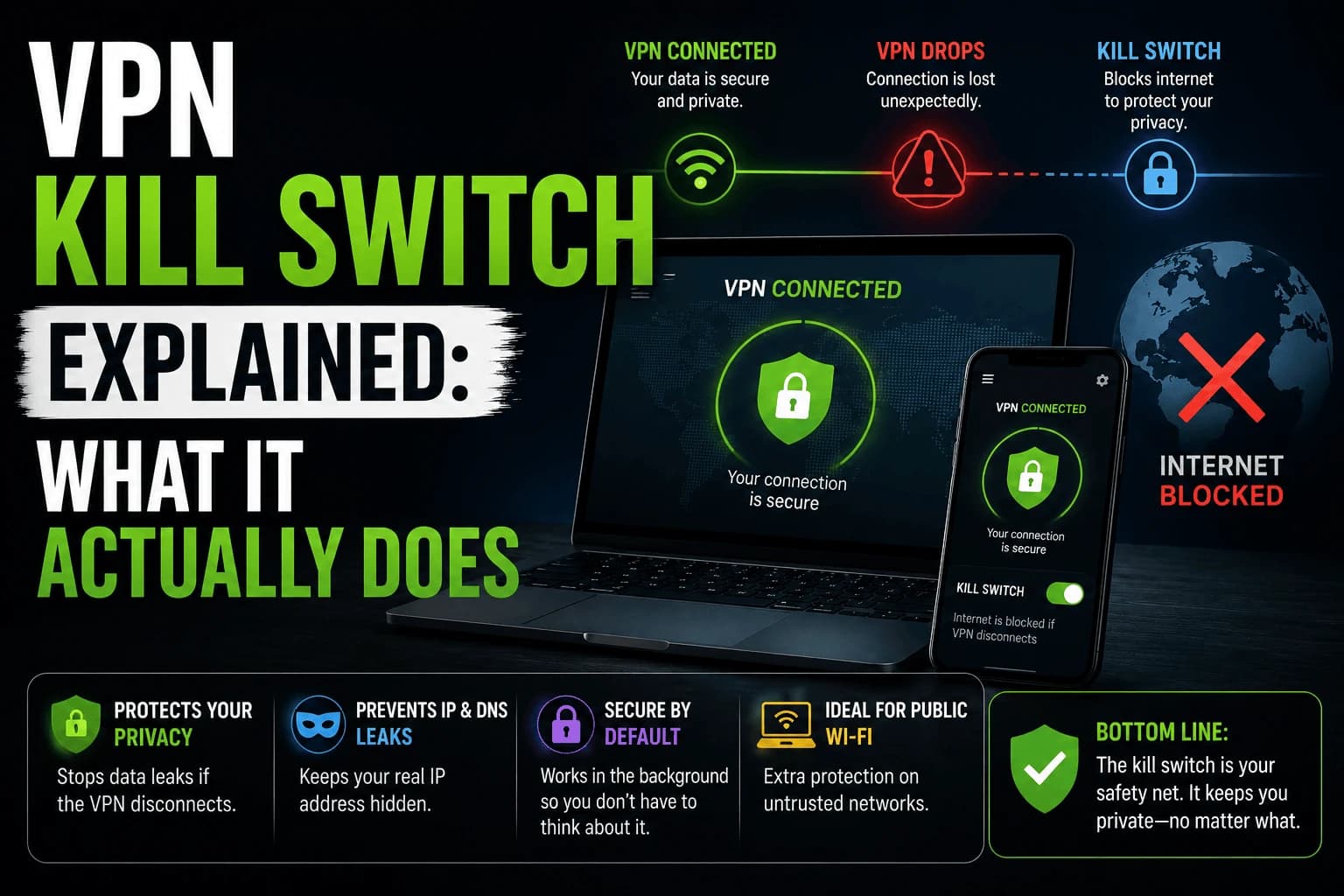
A kill switch stops your device from silently falling back to your unprotected connection the moment the VPN drops. See our full breakdown of how a kill switch actually works if you want to verify yours is doing its job. DNS leak protection does the quieter version of the same thing, keeping your DNS requests inside the VPN tunnel instead of leaking out to your ISP's servers. Neither should be something you have to dig through a settings menu to enable.
Server distance beats server count
Your traffic travels to the VPN server before reaching the streaming service, so a distant server adds latency to every request regardless of raw bandwidth. A server in your own city typically costs a small percentage of throughput; one on another continent can halve it.
This is why the "servers in 90+ countries" figure is close to meaningless for streaming. Unless you're deliberately changing region, you want the nearest server, and one good local server outperforms a thousand distant ones.
Server load matters as much as distance. A nearby server carrying heavy traffic can perform worse than a slightly further one that's quiet, which is why apps offering a load indicator or a genuine "fastest server" option are more useful than they first appear.
Protocols, briefly
You'll come across these three, and the difference is real:
- WireGuard: modern, lean, fastest for streaming. Providers often ship their own variant under a different name.
- OpenVPN: older, slower, still useful because it works on restrictive networks that block newer protocols.
- IKEv2: reconnects quickly when switching networks, which matters more on mobile than on a TV.
Default to WireGuard for streaming, keeping OpenVPN as the fallback when a network blocks it.
The app matters more than the specification sheet
An underrated factor: you'll interact with the app daily and the specifications never again.
On a TV especially, remote navigation is the whole experience. Some providers ship TV apps that are clearly a phone layout stretched to fit, where selecting a server means scrolling a long list with a d-pad. Others provide proper TV interfaces with search and favourites.
Also check whether the app reconnects automatically after the device sleeps. Streaming devices sleep constantly, and an app that needs manual reconnection every time gets switched off within a week.
Native TV apps versus router setup
There are two routes here, with different tradeoffs.
A native app on Fire TV or Android TV is simpler, lets you switch servers from the couch, and leaves other household devices unaffected. It only works on platforms that permit VPN apps, which excludes Roku, most smart TVs, and game consoles.
Router-level covers everything including devices that can't run apps, but every connected device shares the router's processing capacity and changing server means visiting the router admin page. Our guide to VPN routers covers when it's worth it.
For most people a native app where possible is the better default, with router setup reserved for genuinely app-less devices.
What to actually check before buying
- Does it use WireGuard (or an equivalent modern protocol) by default, not just as an option?
- Does it have a real, dedicated app for every device you plan to use it on?
- Does the simultaneous connection limit match your household?
- Is there a kill switch enabled by default, not something you have to dig for?
- Does the provider publish independent speed test results, or only its own marketing numbers?
What it comes down to
Skip anything free for serious streaming use. Beyond that, the differences between the major reputable providers come down to price, app polish on your specific devices, and how close their servers are to you, not the headline server count.
Related reading
- NordVPN vs ExpressVPN vs Surfshark: the three that come up most, compared directly
- Free vs paid VPNs: what the free tiers actually cost you
- Regional libraries: the least reliable reason to buy one
Frequently Asked Questions
Do I need a VPN to stream safely?
A VPN isn't required for streaming legal content, but it adds privacy on public Wi-Fi and can reduce ISP throttling on some connections, which sometimes improves consistency during peak hours.
Will a VPN slow down my streaming speed?
Some speed loss is normal with any VPN, typically 5-15% on a good connection. A VPN with WireGuard support and nearby servers minimizes this to the point where it is rarely noticeable at 1080p or 4K.
Can I use a free VPN for streaming?
Most free VPNs have slow speeds, small server networks, and monthly data caps that make sustained streaming impractical. A budget paid VPN almost always performs better for this use case.
Does a VPN help with ISP throttling?
Yes, in some cases. If your ISP throttles specific traffic types based on protocol, a VPN encrypts the connection so it can't be identified and throttled the same way.
Does server count matter when choosing a VPN?
Far less than server proximity. Your traffic reaches the VPN server before the streaming service, so a distant server adds latency to every request — a local one costs a small percentage of throughput while one on another continent can halve it. One good nearby server beats a thousand distant ones.
Which VPN protocol is best for streaming?
WireGuard, or a provider's own WireGuard-based variant. It loses far less throughput than older OpenVPN connections. Keep OpenVPN available as a fallback, since it still works on restrictive networks that block newer protocols.
Should I run a VPN on my TV or on my router?
A native app where the platform allows one — Fire TV and Android TV both do — since it is simpler, lets you switch servers from the couch, and leaves other devices unaffected. Router setup is for genuinely app-less devices such as Roku, most smart TVs and consoles.
What should I check in a VPN app before subscribing?
Whether the TV app is a real TV interface rather than a stretched phone layout, and whether it reconnects automatically after the device sleeps. Streaming devices sleep constantly, and an app needing manual reconnection each time gets abandoned within a week regardless of its specifications.