Does a VPN Actually Protect You on Public Wi-Fi?
10 min read

"Never use public Wi-Fi without a VPN" is repeated so often it's become background noise, which means the actual mechanics of what a VPN does and doesn't protect against get skipped entirely. For streaming specifically, the risk picture is narrower than the blanket warning suggests.
What a coffee shop Wi-Fi network can actually see
On an open or poorly secured public network, other users and the network operator can potentially see which services you're connecting to and how much data you're transferring, even if the content itself is encrypted by the app. That means someone could tell you're streaming video and roughly for how long, without necessarily seeing what you're watching, since major streaming platforms already encrypt the video stream itself independent of any VPN.
What a VPN adds on top of that
A VPN encrypts the entire connection between your device and the VPN server, which hides even the metadata, which services you're connecting to, not just the content — from anyone else on that same public network. This is a real, meaningful privacy improvement, distinct from protecting the video content itself, which was already reasonably protected by the streaming app's own encryption.
The risk a VPN doesn't fully solve
A VPN encrypts your traffic once you're connected to a network, but it does nothing to stop you from connecting to a malicious network in the first place: a fake hotspot set up to mimic a coffee shop's real Wi-Fi name, for instance. Once you're on that network, a VPN still encrypts your traffic against the operator of that fake hotspot, which helps, but verifying the actual network name with staff before connecting remains a separate, necessary step a VPN can't replace.
Streaming is a lower-risk activity than the headlines suggest
The scariest public Wi-Fi warnings are usually about banking logins, email access, or anything involving passwords and financial data, not passively watching a show. Streaming, on its own, exposes less sensitive information than those activities, since there's typically no login credential being actively transmitted during playback itself. That doesn't mean public Wi-Fi is risk-free for streaming, just that it isn't the same tier of exposure as logging into a bank account on the same connection.
Where the real risk actually lives
The bigger concern on public Wi-Fi usually isn't the streaming session itself. It's whatever else is happening on the same device at the same time. A phone streaming video while also running email or a banking app in the background carries the same risk that email or banking app would carry regardless of what else is open. A VPN protects the whole device's connection, which is why it's worth running generally on public networks rather than specifically because of the streaming.
The honest bottom line
A VPN on public Wi-Fi is a real, worthwhile privacy layer, but it's solving a broader problem than "protect my stream" — it's protecting your device's entire connection, streaming included. For streaming specifically, the risk was already lower than the general public-Wi-Fi warnings imply, but that's an argument for running a VPN as a matter of habit, not a reason to skip it.
Why the old warnings are dated
Most public Wi-Fi advice was written when much of the web ran unencrypted. Someone on the same network could read your traffic directly using freely available tools, and the warnings were proportionate to that.
Nearly all traffic is now encrypted in transit by default, which means the classic attack, passively reading what you're doing, largely doesn't work any more. What remains visible is metadata: which servers you connect to, when, and how much data moves. That's meaningfully less exposure than the warnings assume.
This doesn't make a VPN pointless. It changes what it's for: concealing metadata rather than preventing eavesdropping that mostly can't happen now.
The threats that are still real
These genuinely survive modern encryption:
Evil twin hotspots. A network named to impersonate a legitimate one. Connect to it and the operator controls your DNS and routing. A VPN helps once connected, but only if it's already running before you join.
DNS manipulation. The network operator controls DNS by default and can log or redirect lookups. This works regardless of how well your traffic is encrypted, because the lookup happens first.
Captive portal interception. The login page happens before any VPN can protect it, so anything entered there is exposed. Avoid using real credentials on hotel or airport portals.
Connect in the right order
A detail that undermines otherwise sensible setups: the VPN can only protect traffic sent after it connects. Join the network first and your device immediately starts talking. Checking mail, syncing, resolving DNS, before the tunnel exists.
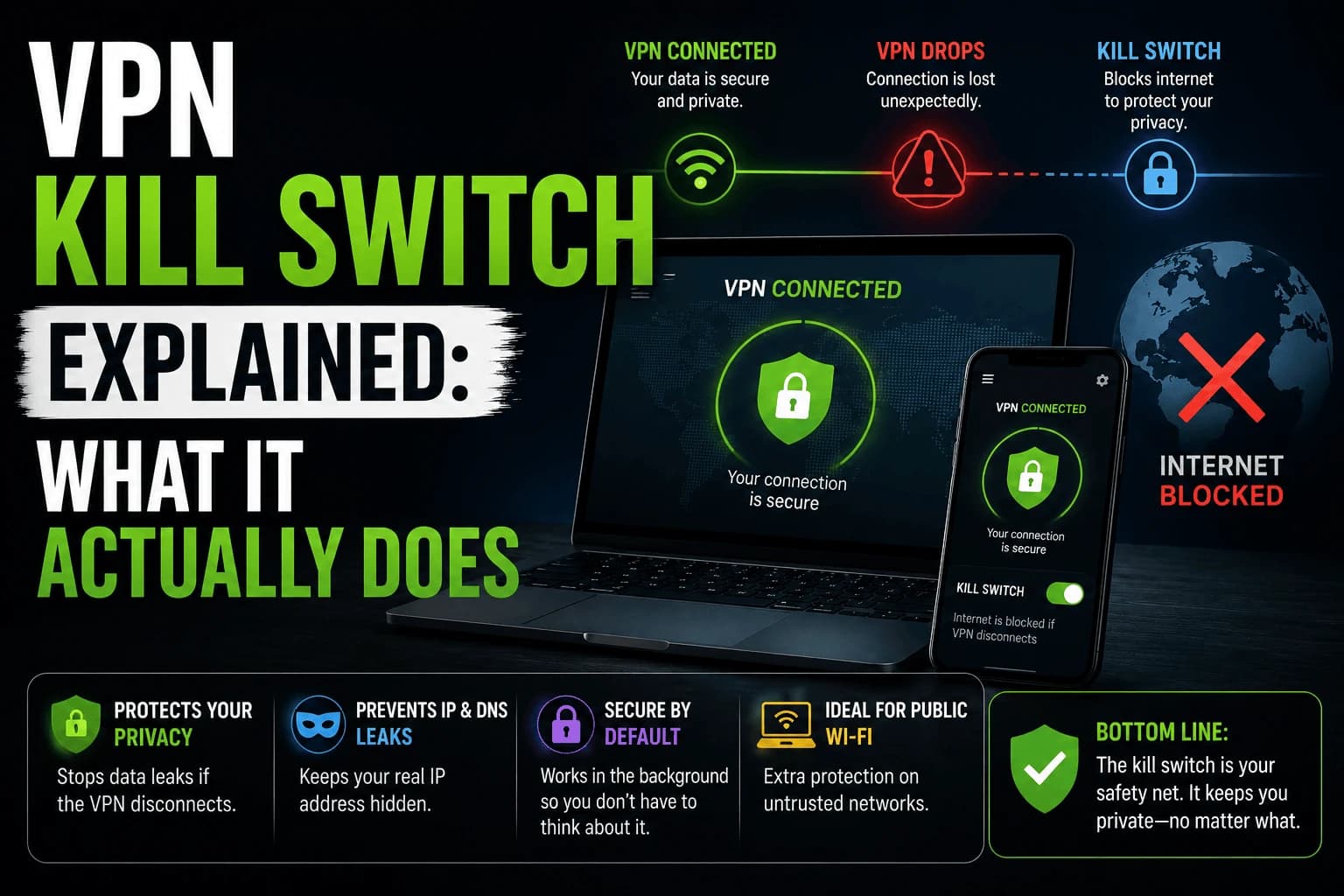
The gap is short but real. Two things reduce it: enable auto-connect so the VPN starts with the network rather than after it, and use the always-on setting where available so nothing transmits until the tunnel is up. Our guide to how VPN kill switches actually work covers the mechanism, which handles this case as well as mid-session drops.
Streaming on public Wi-Fi has practical problems too
Separate from security, and more likely to actually affect you:
- Bandwidth limits. Many public networks cap per-device throughput below what HD needs.
- Blocked video traffic. Hotels and airports frequently deprioritise or block streaming to preserve capacity.
- Captive portal timeouts. Sessions expire on a timer, interrupting playback until you re-authenticate.
- Downloads are the better answer. Downloading over a trusted connection beforehand avoids every problem above, security included.
Related reading
- VPN kill switch explained: what protects the gap when a tunnel drops
- What matters in a streaming VPN
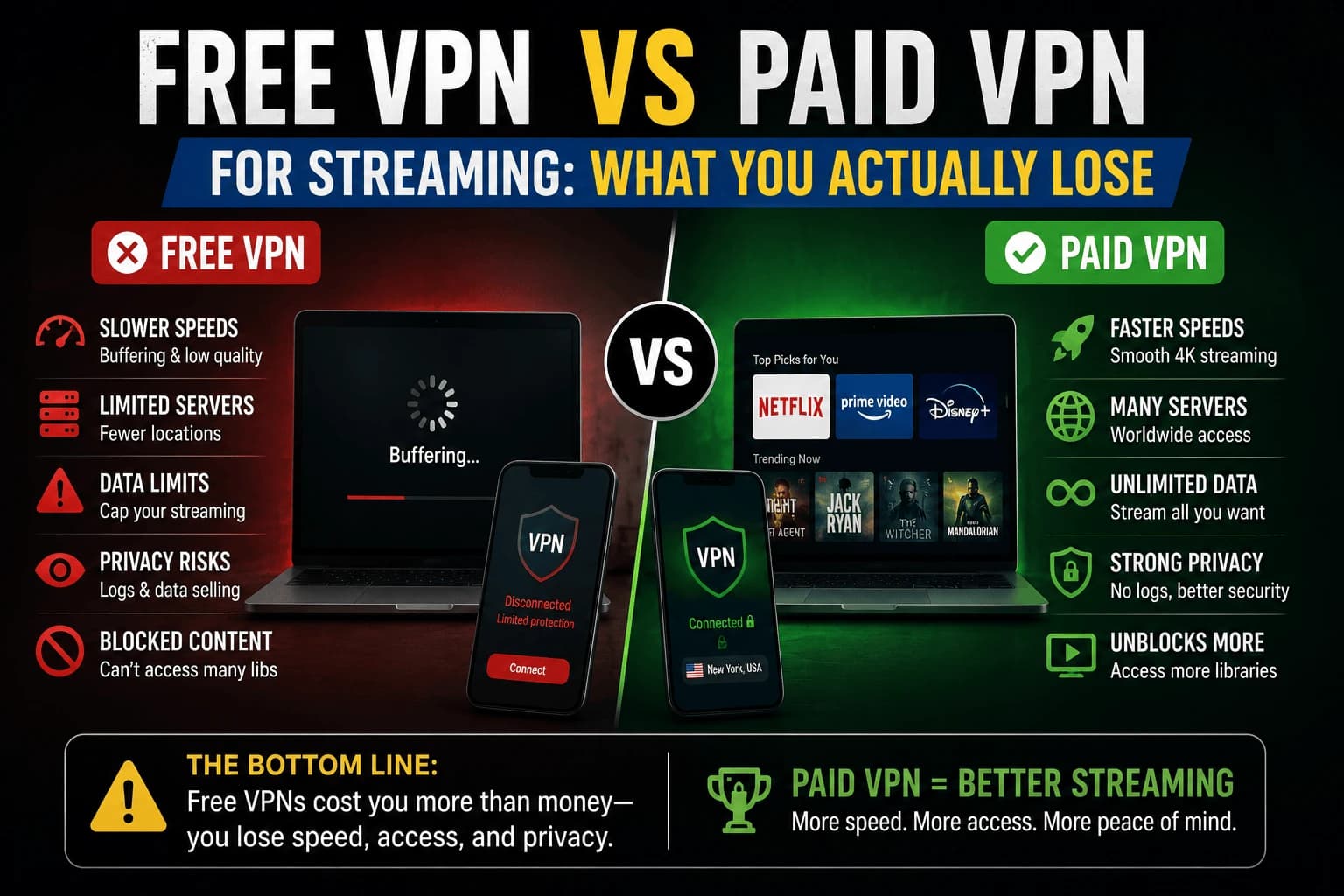
- Free vs paid: free tiers often lack the always-on setting this relies on
Frequently Asked Questions
Can someone actually see what I'm streaming on public Wi-Fi without a VPN?
They can often see that you're connected to a streaming service and roughly how much data you're using, though modern streaming apps encrypt the actual video content itself. A VPN hides the fact that you're using that service at all from anyone on the same network.
Does a VPN protect against fake public Wi-Fi hotspots?
Partially — a VPN encrypts your traffic even on a malicious hotspot, but it doesn't stop you from connecting to a fake network in the first place. Verifying the network name with staff before connecting is still necessary.
Is public Wi-Fi actually dangerous for streaming specifically, or just for other browsing?
Streaming itself is lower-risk than activities like logging into banking or email, since most streaming traffic is already encrypted by the app. The bigger risk on public Wi-Fi is usually whatever else is happening on the same device at the same time.
Do I need a VPN if I'm just streaming and not doing anything sensitive on public Wi-Fi?
It's a reasonable extra layer of privacy even for low-risk activity, but it's not the same emergency-level necessity as it would be for logging into a financial account on the same network.
Is public Wi-Fi still as dangerous as it used to be?
Less so. Most public Wi-Fi advice dates from when much of the web was unencrypted and someone nearby could read your traffic directly. Nearly all traffic is now encrypted in transit, so what remains visible is metadata — which servers you connect to and how much data moves — rather than content. A VPN now conceals metadata rather than preventing eavesdropping that largely cannot happen.
Should I connect to the VPN before or after joining the Wi-Fi?
The VPN can only protect traffic sent after it connects, and a device starts talking the moment it joins a network — syncing, checking mail, resolving DNS. Enable auto-connect so the VPN starts with the network, and use the always-on setting where available so nothing transmits until the tunnel is up.
Does a VPN protect the hotel Wi-Fi login page?
No. The captive portal happens before any VPN can protect it, so anything entered there is exposed. Avoid using real credentials on hotel or airport portals, and treat that login as unprotected regardless of what your VPN is doing afterwards.
Why does streaming not work properly on hotel Wi-Fi even with a VPN?
Usually practical limits rather than security. Many public networks cap per-device bandwidth below what HD needs, and hotels and airports often deprioritise or block video traffic outright to preserve capacity. Captive portal sessions also expire on a timer, interrupting playback. Downloading beforehand avoids all of it.