Best VPN Routers for Whole-Home Streaming in 2026
11 min read
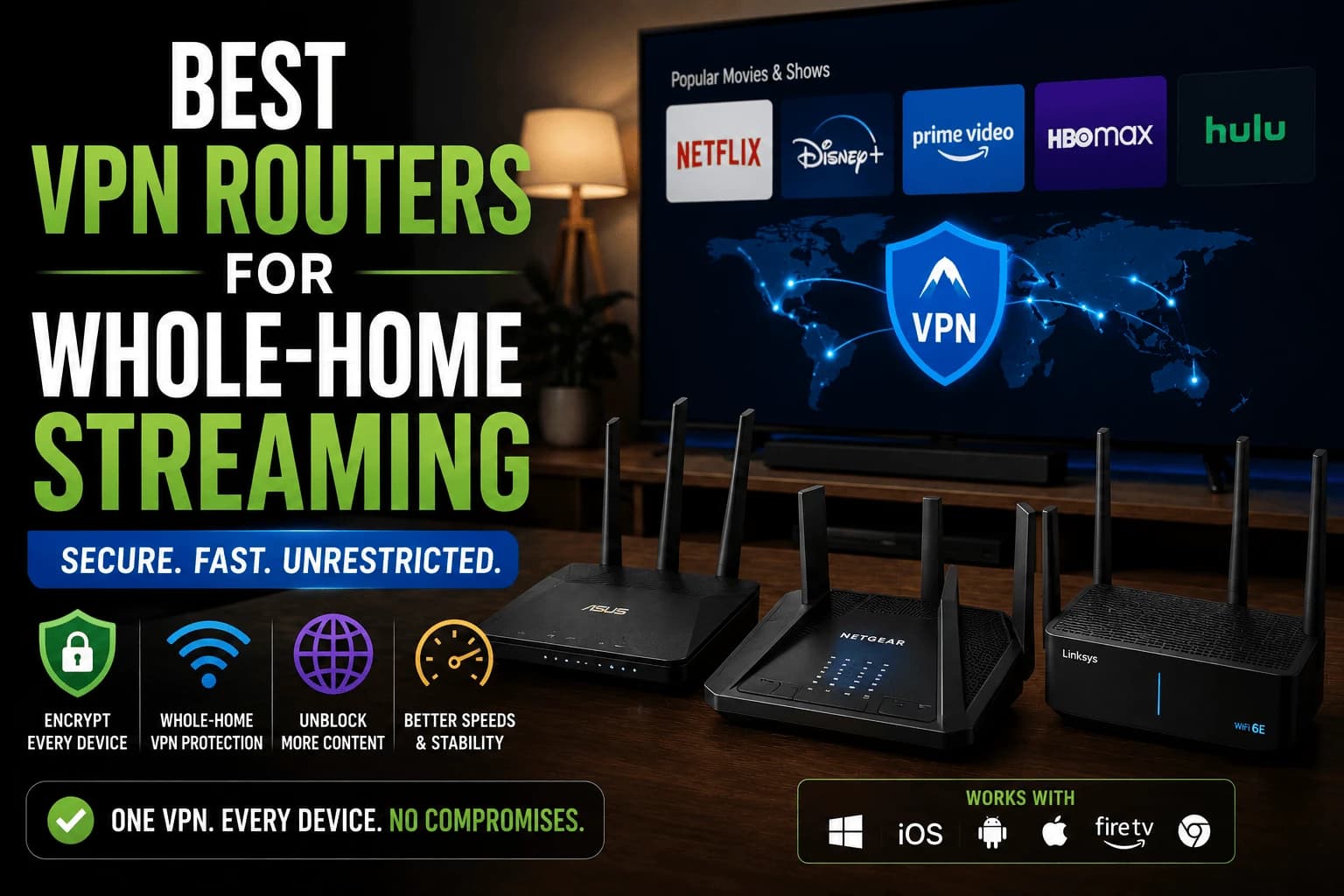
Most VPN advice assumes you're protecting a phone or a laptop. It quietly ignores the game console and the five-year-old Smart TV sitting in your living room that can't run a VPN app at all, no matter how good the app is. A VPN router fixes that by moving the encryption up to the network itself, so every device connected gets covered whether it knows what a VPN is or not.
What a VPN router actually solves
Some devices simply can't run a VPN app: older Smart TVs, most game consoles, and many budget streaming boxes have no VPN client support at all. Running the VPN at the router level covers these devices by default, since as far as they know, they're just connected to a normal home network. The encryption happens one layer up.
The tradeoff: performance
Every device sharing the connection now runs through VPN encryption simultaneously, and a router's processor is generally far less powerful than a phone or computer's. On an underpowered router, this can create a real, noticeable speed bottleneck across the whole household, especially with multiple people streaming 4K content at once.
What to look for in a VPN router
Processing power matters more here than almost anywhere else in networking. Look for routers with a dedicated, reasonably powerful CPU, because every packet on every connected device now gets encrypted and decrypted in real time by that one chip. Cheaper routers marketed with "VPN support" often mean the firmware technically allows it, not that the hardware can handle it at full household load; a router that throttles to a crawl the moment three devices stream simultaneously has failed the one job you bought it for.
The easy path and the DIY path aren't the same amount of work
Buying a router with VPN client support already built into its stock firmware is the path of least resistance. It's a settings menu, not a project. Flashing custom firmware like OpenWrt or DD-WRT onto hardware that never officially supported it is the other route, and it really can unlock VPN functionality your router's manufacturer never intended. Just go in knowing which one you're signing up for: one is an afternoon, the other can be a weekend, and voiding your warranty is usually part of the deal.
Do you actually need one?
If every device you care about covering already has a working VPN app, phone, laptop, Fire TV, Android TV, a router-level VPN adds complexity and a performance cost without solving a real gap. It earns its complexity specifically when you have a Smart TV, game console, or other app-less device you want covered, or when managing individual VPN apps across many devices has become impractical.
Which devices genuinely can't run a VPN app
Worth checking before committing, because the list is shorter than assumed:
- Roku: no VPN app support at any level. Router or nothing.
- Most smart TV platforms: some newer sets have limited support, most have none.
- Game consoles: no VPN clients on any current console.
- Apple TV: supports VPN apps on recent tvOS versions, so check before assuming otherwise.
- Fire TV and Android TV: both run VPN apps natively, and generally shouldn't drive a router purchase.
If your app-less devices are one Roku and a console you rarely stream on, a router is a large solution to a small problem.
Two routers is often the better answer
A configuration that solves the main drawback: rather than routing the whole household through the VPN, run a second router behind your existing one and put only the devices that need covering on it.
Your primary router keeps handling everything else at full speed; the second handles VPN traffic for a handful of devices. Nothing else is slowed, and you can move a device between networks by switching Wi-Fi rather than reconfiguring anything.
It costs one inexpensive router and avoids the household-wide bottleneck entirely, which is usually the reason people abandon router VPNs after a few weeks.
The throughput number to look for
Router specifications advertise wireless speed, which tells you nothing about VPN performance. The figure that matters is VPN throughput — how much encrypted traffic the processor can handle, and manufacturers rarely publish it.
Rough guidance: 4K streaming needs roughly 25 Mbps per stream, so two simultaneous streams need around 50 Mbps of VPN throughput plus headroom for everything else. Many mid-range routers manage 20–50 Mbps encrypted despite advertising gigabit wireless, which is why household VPN routing so often disappoints.
If a manufacturer doesn't state VPN throughput anywhere, assume it's low. Products that perform well on this generally advertise it.
What breaks when the VPN is at the router
Several things behave differently, and it's better to know beforehand:
- Local device discovery. Casting and printer discovery can fail if local traffic is routed into the tunnel.
- Regional content on other devices. Everything appears to come from the VPN's location, so a household member's local service may stop working.
- Banking and payment apps often flag VPN traffic, and at router level that affects every device.
- Smart home devices that expect a stable local connection sometimes behave unpredictably.
Split tunneling at the router, where supported — addresses most of this by excluding specific devices. Our guide to split tunneling covers the concept, though router implementations work by device or IP rather than by app.
Related reading
- What matters in a streaming VPN: native apps versus router setup
- Mesh vs single router: mesh systems rarely support VPN client mode
- Split tunneling: how to exclude devices that shouldn't be tunneled
Weighing the tradeoff
A VPN router isn't a universal upgrade — it solves a specific problem (app-less devices, whole-network coverage) at a specific cost (router processing power, setup complexity). Know which devices actually need coverage before deciding it's worth that tradeoff.
Frequently Asked Questions
Do I need a VPN router if I already use VPN apps on my devices?
Not necessarily. A VPN router mainly helps for devices that can't run a VPN app themselves, like older Smart TVs or game consoles, or when you want every device on the network covered without configuring each one individually.
Does a VPN router slow down my whole network?
Yes, to some degree — every device sharing the connection now runs through VPN encryption, and router-level processing power is more limited than a phone or computer's. A router with a stronger processor handles this better.
Can I set up a VPN on my existing router?
Some routers support VPN client configuration through their firmware, though often with a fairly technical setup process. Purpose-built VPN routers or routers running custom firmware like OpenWrt or DD-WRT tend to make this considerably easier.
Is a VPN router better than just using VPN apps on each device?
Neither is strictly better — they solve different problems. A router covers every connected device at once, including ones that can't run an app, but is harder to change per-device. Apps let you toggle the VPN or switch locations independently per device.
Which streaming devices cannot run a VPN app?
Roku has no VPN app support at any level, and neither do current game consoles or most smart TV platforms. Fire TV and Android TV both run VPN apps natively, and recent Apple TV models support them too — so check before buying a router, since the list is shorter than most people assume.
How do I avoid slowing down my whole network with a VPN router?
Run a second router behind your existing one and connect only the devices that need covering to it. Your primary router keeps handling everything else at full speed, and moving a device between them is just a matter of switching Wi-Fi network. It costs one inexpensive router and avoids the household-wide bottleneck.
What VPN throughput do I need on a router?
4K streaming needs roughly 25 Mbps per stream, so two simultaneous streams want around 50 Mbps of VPN throughput plus headroom. Many mid-range routers manage only 20–50 Mbps encrypted despite advertising gigabit wireless. If a manufacturer does not publish a VPN throughput figure, assume it is low.
What stops working when the VPN runs at the router?
Casting and printer discovery can fail if local traffic is routed into the tunnel, regional content appears to come from the VPN location for everyone in the house, and banking apps frequently flag the traffic. Router-level split tunneling, where supported, excludes specific devices by IP to avoid this.