Audio Out of Sync With Video? Fix It on Any Streaming Device
11 min read

Audio drifting behind video is one of the most disorienting streaming problems, mostly because the cause could be hiding in any one of four different places: the app, the device, the cable, or the soundbar. Isolating which one it is beats guessing at a fix.
Work out which link in the chain is at fault
Before changing any settings, narrow down where the delay is introduced. Audio passes through several stages between the stream and your ears, and each one can add latency:
- Does it happen in every app, or just one? One app means an app-side decoding or buffering problem. Every app points at the device, the cable or the audio equipment.
- Does it happen on live TV but not on-demand? Live streams buffer differently and are far more prone to drift, which narrows it to the stream rather than your hardware.
- Does it start in sync and drift over time, or is it off from the first second? Drift that accumulates over several minutes is nearly always a decoding or clock problem. A constant fixed offset points at processing delay in a soundbar or TV.
- Does it survive a switch to TV speakers? If sync is fine on the TV's own speakers, your soundbar or receiver is adding the delay.
Those four answers usually identify the culprit before you touch a single setting, and they save you working through fixes that were never going to apply.
Start by restarting both sides, not just one
Power cycle the streaming device and whatever's handling the audio: a soundbar, AV receiver, or the TV itself if it's using built-in speakers. Sync problems often come from a stale handshake between the two devices, and restarting only the streaming device leaves that broken connection state untouched on the audio side.
Check for a manual offset before assuming something's broken
Many streaming apps quietly include an audio delay adjustment, usually tucked into accessibility or audio settings, specifically because minor sync drift is common enough to need a manual correction option. Nudge it in small steps while watching dialogue-heavy content until lips and sound line up — this fixes a surprising number of cases without touching any hardware.
The cable is a more common culprit than people assume
HDMI carries audio and video together, but they're not always processed identically, particularly over an ARC or eARC connection feeding a soundbar. A marginal or aging cable can introduce audio-specific delay while the picture looks completely normal — swap the cable or try a different port to rule this out before assuming it's a software problem.
Turn off the audio features that sound impressive but add lag
Virtual surround processing, audio enhancement modes, and similar features on a soundbar or TV all add processing time to make the audio sound better, and that processing time is exactly what can throw sync off. Disable them one at a time rather than all at once, so you can identify which specific feature is responsible if turning one off fixes it.
Isolate the soundbar by bypassing it entirely
If nothing else has worked, connect the streaming device straight to the TV's own speakers or a pair of headphones, cutting the soundbar out of the signal path completely. Sync returns to normal? The soundbar's own processing is the source. Still off? The problem lives upstream, in the device or the app itself.
When it's a firmware bug, not a setup problem
Audio sync issues are common enough that they show up regularly in both app updates and device firmware changelogs. If the delay appeared suddenly rather than being a longstanding issue, check for a pending update on both the streaming app and the device's system software before assuming a hardware fix is needed. It may already be patched.
Fixing sync on specific apps
Some services are noticeably more prone to drift than others, usually because of how they buffer and how much audio processing they apply. These are the ones that come up most often.
Max (formerly HBO Max)
Max is the most frequently reported offender, and the pattern is usually drift that builds over a long viewing session rather than a fixed offset from the start. Because it accumulates, a manual delay offset won't hold — it corrects the gap for a few minutes and then falls behind again. The reliable fix is to stop playback completely, force-close the app rather than just backing out to the home screen, and reopen it. That resets the decoder clock. If it recurs within minutes every time, clear the app's data or reinstall it, which clears a corrupted local cache.
Hulu
Hulu's sync problems cluster around live TV rather than on-demand. Live streams are assembled in segments and a dropped segment can shift audio timing for the rest of the session. Switching channels and switching back forces the stream to rebuild and usually restores sync immediately. If it only happens on one specific channel, it's a problem on the broadcast side and nothing you change locally will fix it.
DirecTV Stream
DirecTV Stream tends to produce a fixed offset rather than drift, and it's often tied to surround sound. Dropping the audio output from Dolby Digital to stereo in the app's settings resolves a large share of cases, because the surround decode step is where the delay is introduced. Worth testing before adjusting anything on the soundbar, since it isolates the cause cleanly.
Spectrum TV
Spectrum's app is particularly sensitive to network conditions, and sync problems there frequently accompany buffering rather than appearing on their own. If audio drift arrives alongside stuttering or quality drops, treat it as a connection problem first: a wired connection usually clears both at once. Our guide to Ethernet versus Wi-Fi covers when switching is worth the effort.
Blu-ray players and game consoles
These sit outside the streaming app entirely but produce identical symptoms, and the cause is nearly always the audio path rather than the source. Both output surround formats that a soundbar has to decode, and that decode step is where the delay appears. Most players and consoles expose an audio delay setting of their own — correcting it there is better than adjusting the TV, because it fixes the one device causing the problem instead of shifting everything else.
Screen mirroring and casting are a separate problem
If sync is only broken when you cast or mirror from a phone or laptop, none of the fixes above apply. Mirroring transmits audio and video as separate streams over Wi-Fi, and they arrive independently: a small amount of drift is inherent to how it works rather than a fault. Casting directly to the app on the streaming device, instead of mirroring your screen, avoids the problem entirely because the device then pulls the stream itself.
When the fix is a permanent offset
Some setups have a fixed delay that no amount of restarting resolves, usually because a soundbar or receiver genuinely needs a few extra milliseconds to process audio. That's what lip-sync adjustment exists for. HDMI includes an automatic lip-sync correction feature that reports processing delay upstream so the source can compensate, described in the HDMI specification overview, but support varies and it doesn't always work correctly across brands.
When automatic correction fails, set the offset manually on the TV or soundbar and leave it. Use dialogue-heavy content to calibrate — speech makes small errors obvious in a way that music or action scenes do not. Adjust in 10ms steps; anything under roughly 20ms is generally imperceptible, so there's no benefit to chasing perfection past that point.
Related troubleshooting
Audio sync often travels with other streaming problems, and a shared root cause is common. If your device is also struggling in other ways, these cover the neighbouring symptoms:
- Fire TV Stick buffering guide, when playback stalls as well as drifts
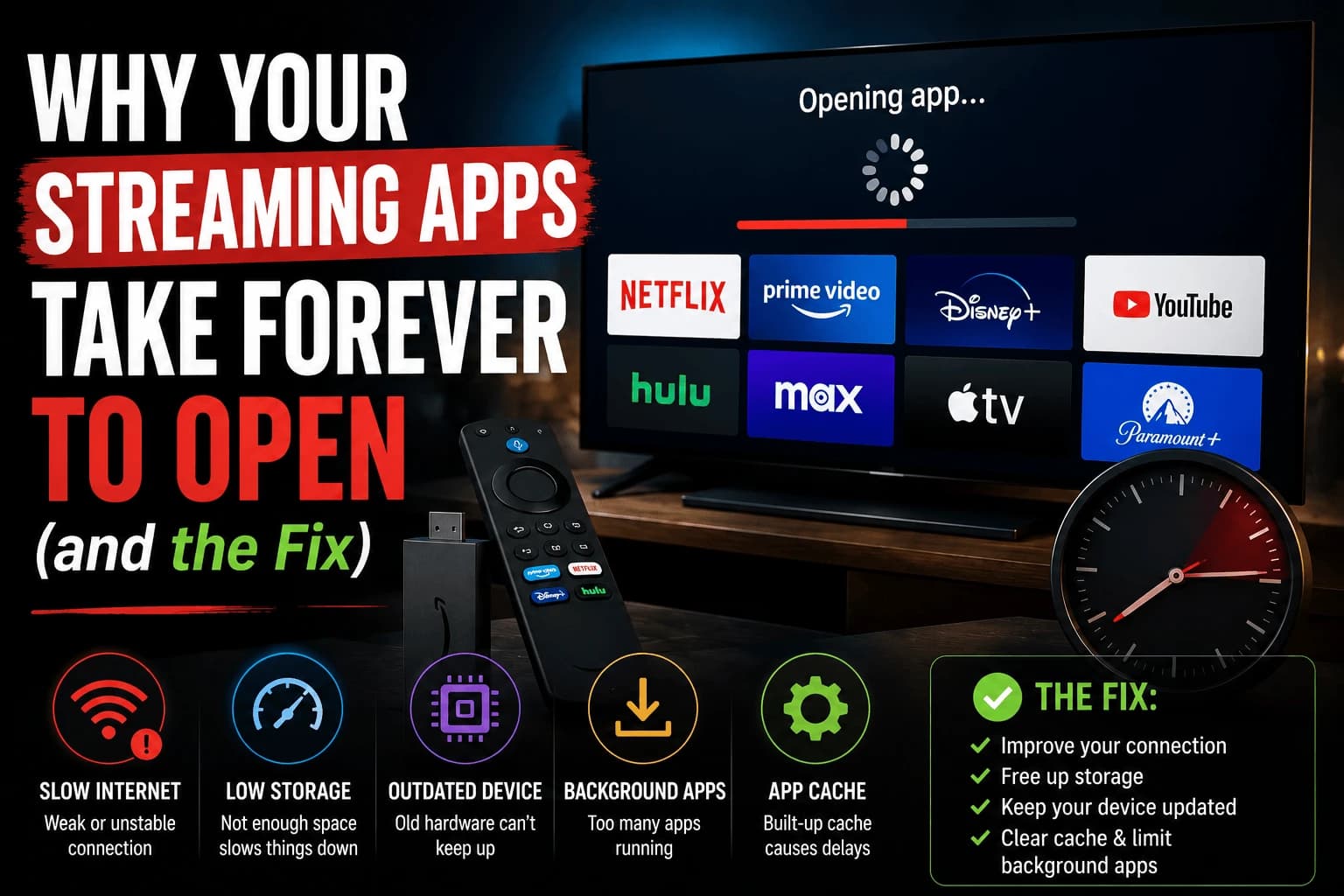
- Slow-loading apps: usually memory pressure, which can also affect decoding
- "No signal" and HDMI handshake failures: the same cable and port problems that cause audio delay
Frequently Asked Questions
Why does audio sync only happen on some apps and not others?
Different streaming apps handle audio decoding and buffering slightly differently, so a delay introduced by your TV or soundbar can be more or less noticeable depending on how much buffering the app itself adds on top of it.
Does a soundbar cause more sync issues than TV speakers?
Often yes, because the audio has to travel through an extra device with its own processing delay (especially with virtual surround or enhancement features enabled), whereas TV speakers process audio with less additional latency.
Can a bad HDMI cable really cause audio delay specifically, not just picture issues?
Yes. Audio and video can be processed and transmitted slightly differently over HDMI, particularly through ARC/eARC to a soundbar, so a marginal cable or connection can affect audio timing without an obvious picture problem.
Is there a universal fix that works across every streaming device?
Not a single one — because the cause can be the device, the app, the cable, or the audio equipment, the fix depends on isolating which link in the chain is actually introducing the delay, which is why testing each piece separately matters.
Why is audio out of sync on Max but fine on other apps?
Max tends to drift progressively over a long session rather than starting with a fixed offset, which points at decoder timing rather than your hardware. Force-closing the app entirely and reopening it resets the decoder clock. If it returns within minutes each time, clearing the app data or reinstalling clears a corrupted cache.
How do I fix audio out of sync on DirecTV Stream?
Try changing the audio output from Dolby Digital to stereo in the app settings. DirecTV Stream sync problems are commonly introduced by the surround decode step, so switching to stereo bypasses it and confirms whether that is the cause.
Why does audio drift further out of sync the longer I watch?
Progressive drift indicates a decoding or clock problem rather than a fixed processing delay. A manual audio offset will not hold because the gap keeps growing. Restarting playback or force-closing the app resets the clock; if it recurs quickly, the app cache or device firmware is usually responsible.
Why is sound out of sync only when I cast or mirror my screen?
Screen mirroring sends audio and video as separate streams over Wi-Fi, so they arrive independently and some drift is inherent to the method. Casting directly to the app on the streaming device instead of mirroring avoids it, because the device then pulls the stream itself.
How much audio delay is actually noticeable?
Below roughly 20ms most people cannot detect a mismatch, so there is little value in fine-tuning past that. Calibrate using dialogue-heavy content rather than music or action, since speech makes small timing errors far easier to spot.